
Accessibility in Monetæ for iPhone and iPad.
Monetæ supports Dark Interface, Reduced Motion, Sufficient Contrast, and Differentiate Without Color Alone when converting currencies, editing amounts, and working with exchange rates.
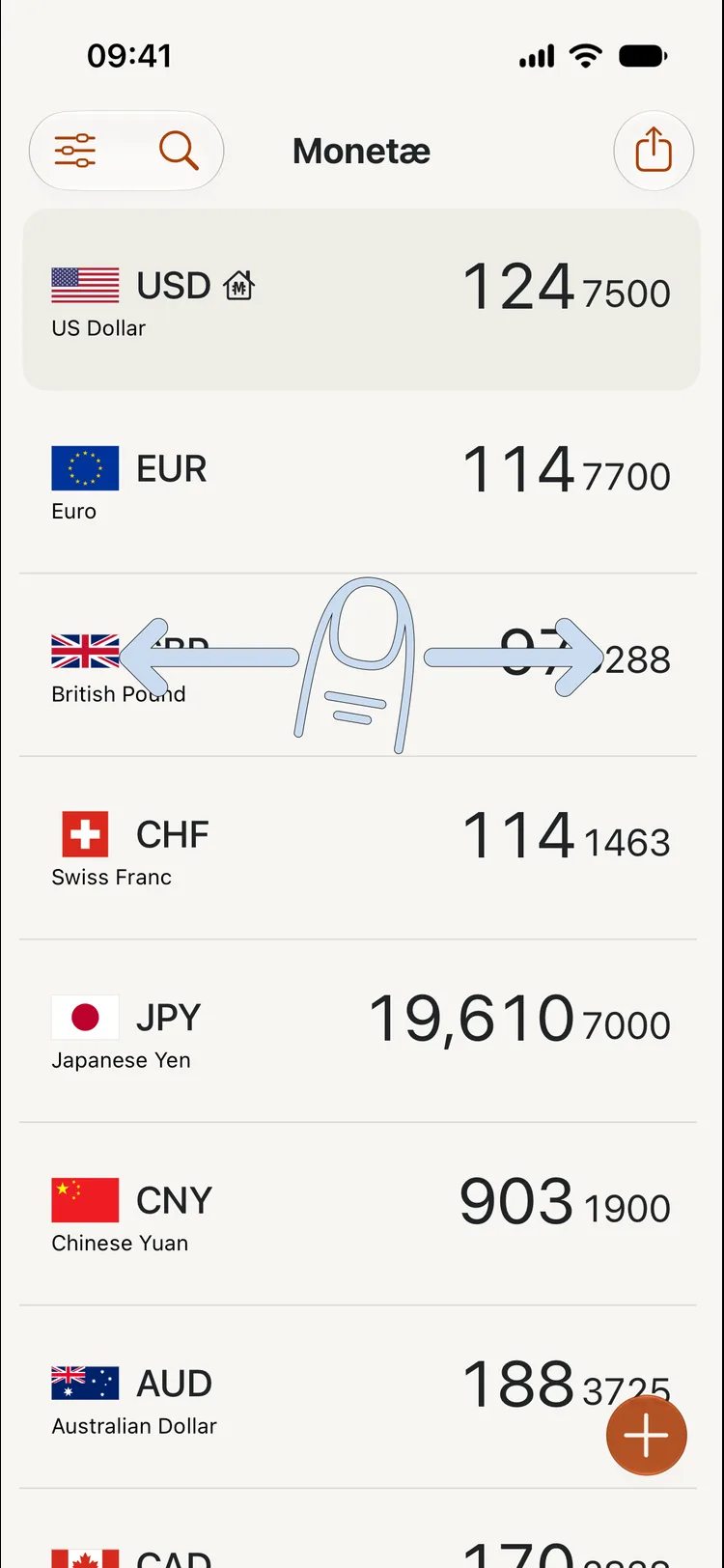
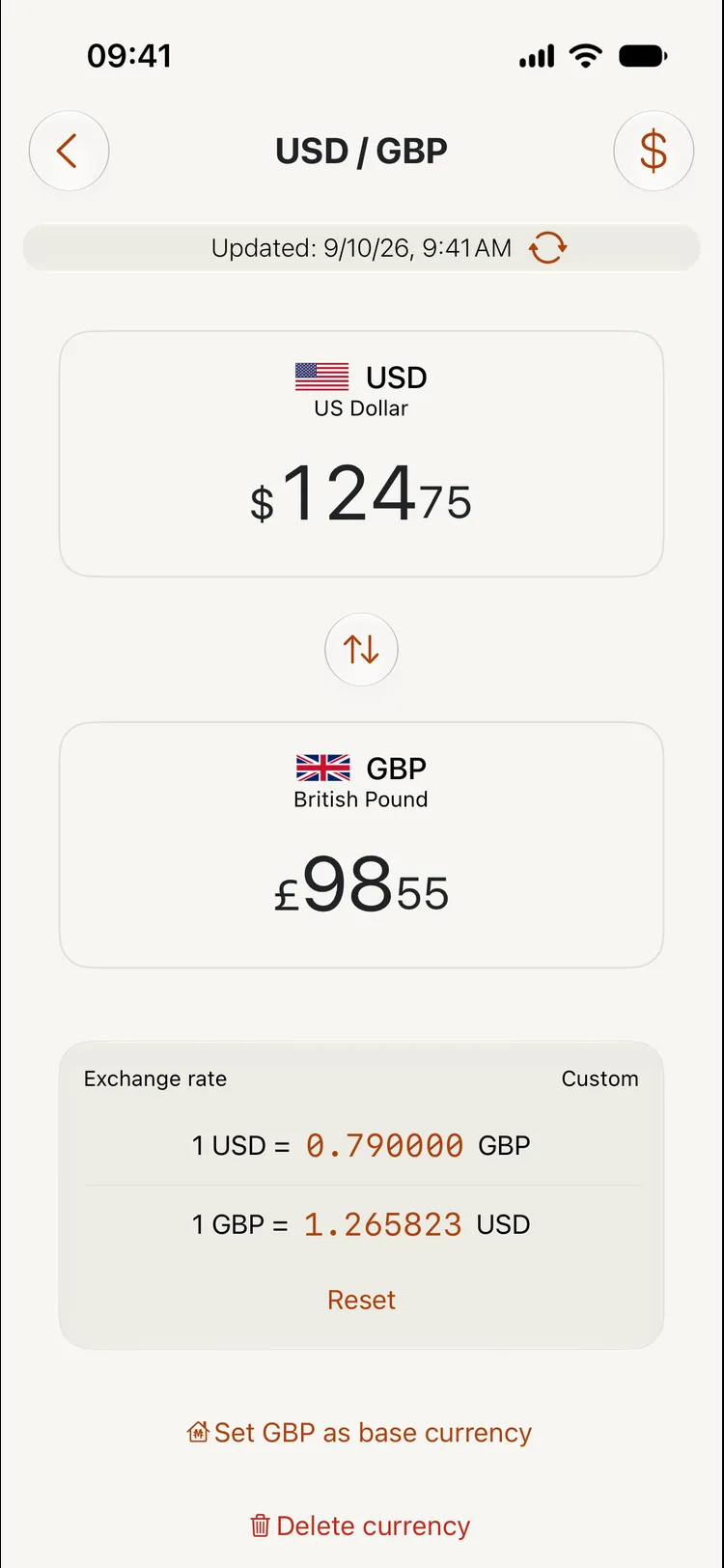
Dark Interface
Open Monetæ’s Settings to choose a light, dark, or automatic appearance. Automatic follows your device’s appearance. Dark appearance uses dark backgrounds with contrasting text, amounts, and controls.
Reduced Motion
Turn on Settings → Accessibility → Motion → Reduce Motion on your iPhone or iPad. Monetæ reduces decorative movement, including flag bounce, animated swipe tips, and panel transitions.
You can still swipe to adjust currency amounts. Reduce Motion does not remove this conversion control.
Sufficient Contrast
Monetæ’s Light and Dark appearances use contrasting text and controls for currency amounts, exchange rates, settings, and the calculator.
For clearer text and stronger visual separation, you can also enable Bold Text, Increase Contrast, or Reduce Transparency in Settings → Accessibility → Display & Text Size.
Differentiate Without Color Alone
Currency codes, amounts, text labels, and symbols identify conversions and actions. A dedicated symbol marks the base currency, custom rates have a Custom label, and checkmarks identify currencies already in your list.
When rate changes are displayed, direction arrows and percentages show the change. Important information does not depend on color alone.
Other accessibility needs
We do not yet offer full support for VoiceOver, Voice Control, or Larger Text.
Accessibility support
Need help with accessibility? Contact support. Tell us which task was difficult, your app version, your device, and the accessibility settings you use.
Last update: 2026-11-05